SEO Filter Landingpages
The plugin turns a fixed filter combination within a category into a landing page of its own: with its own URL, its own meta data, its own Shopping Experience layout and an entry in the sitemap.
The problem
A customer who filters the "Tableware" listing by colour "Cream" ends up on a URL like /tableware?properties=0190…|0190…. Such URLs are worthless for search engines: no readable path, no dedicated meta data, no room for text. Yet "tableware in cream" is exactly what customers search for.
The solution
A landing page bundles a category and a filter combination under a fixed address, for example /tableware/cream/. It shows the filtered listing, but brings everything a good category page needs:
- a readable SEO URL per sales channel and language
- title, meta title, meta description, keywords, robots directive and canonical URL
- a dedicated Shopping Experience layout with text, images and data mapping
- sitemap settings (priority, change frequency, exclusion)
- breadcrumb entry and a link back to the category
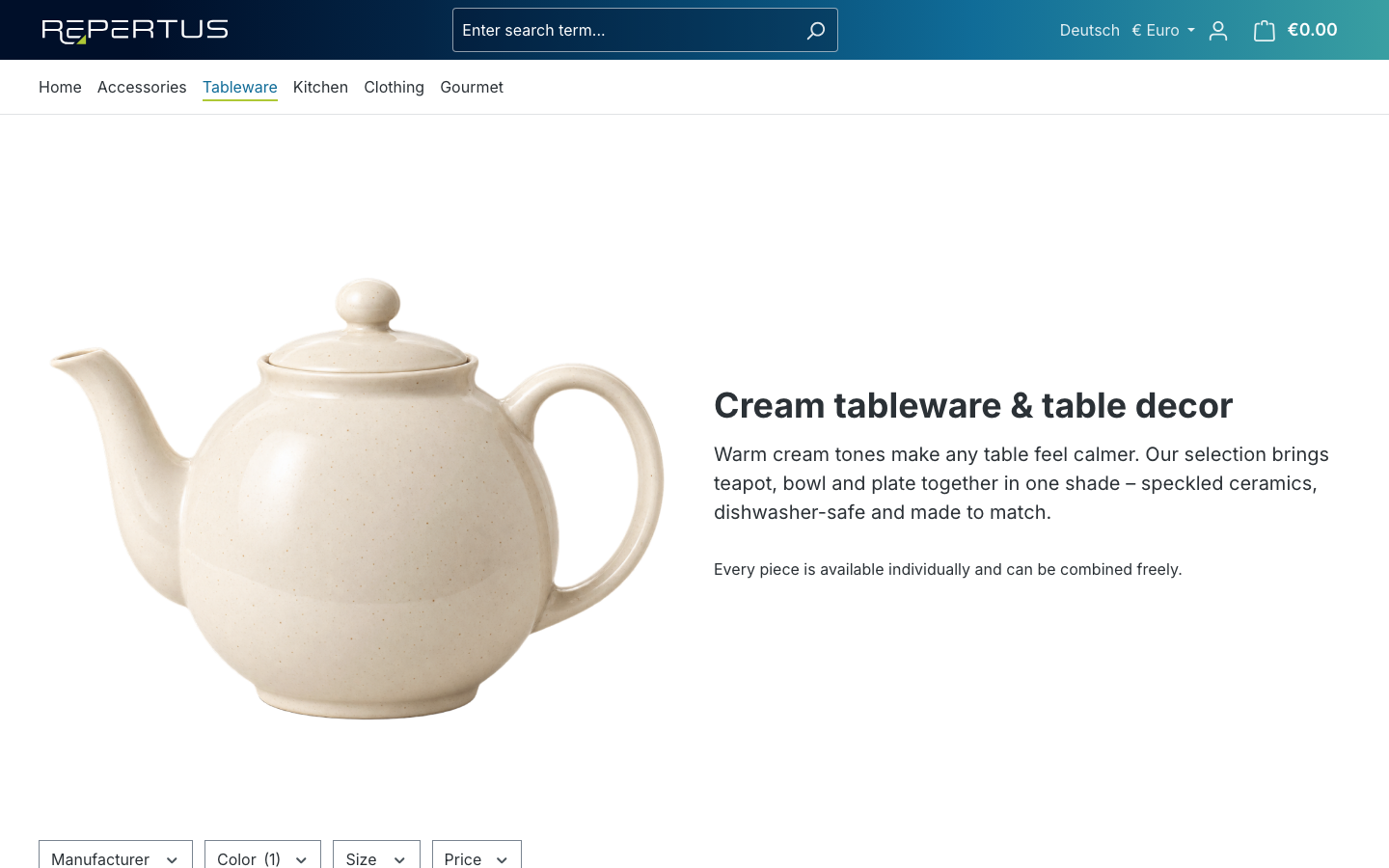
How the plugin works in the shop
Three situations are distinguished:
Direct call. A customer opens the landing page URL, for example from search results. The plugin loads the category listing and applies the landing page's filters automatically. They appear as active filters but cannot be removed, because they define the page.
Redirect from the listing. A customer manually builds exactly the filter combination in a regular category that defines a landing page. The shop then redirects to the landing page URL. This way the SEO URL also gets links and traffic from inside the shop, and duplicate content under two addresses is avoided.
Refinement. On a landing page customers can add further filters, for example by price or manufacturer. The landing page URL is kept, the product list gets narrower.
Details are described under Behaviour in the storefront.
Terms
| Term | Meaning |
|---|---|
| Landing page | A page that corresponds to exactly one filter combination within a category. |
| Filter combination | The filters that define a landing page: selected properties (property options) and manufacturers. |
| Request URL | The SEO URL under which the landing page is reachable in a sales channel and language. |
| Canonical URL | The address search engines should treat as the original of the page. Defaults to the landing page itself. |
| Configuration mode | Determines whether category and filters apply once to all sales channels (Standard) or are maintained separately per sales channel (Per sales channel, paid extension). |
| Sales channel variant | In Per sales channel mode: the category and filter configuration for one specific sales channel. |
Requirements
- Shopware 6.7
- For Per sales channel mode: the in-app extension "Per sales channel configuration", see Per sales channel configuration